
Duplicate, Google Chose Different Canonical Than User: Full Fix Guide for Websites
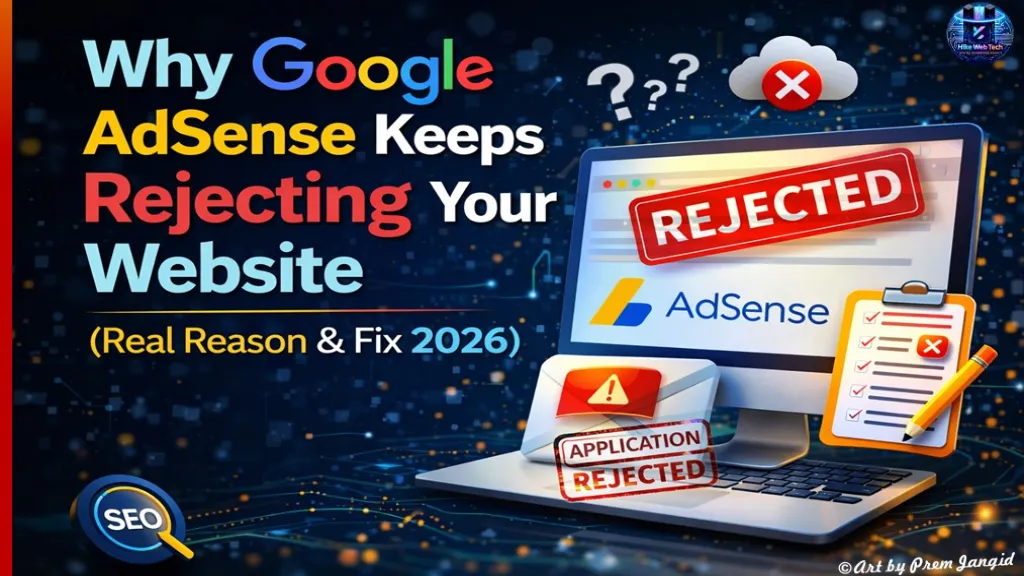
Why Google AdSense Keeps Rejecting Your Website (Real Reason & Fix 2026)
AdSense, SEO & Backlinks 2026If your website is getting rejected again and again by Google AdSense and you don’t understand why, you are not alone. This Google AdSense rejection fix guide will help you identify the real issue and solve it step by step.
My Real Problem Behind AdSense Rejection
If you are searching for a Google AdSense rejection fix, understanding the root cause is very important. Many bloggers think their website is the issue, but sometimes the real problem lies in the AdSense account itself.
When I applied for Google AdSense, my application was rejected multiple times with “policy violation” errors. The strange part was that my website had quality content, proper pages, and even traffic.
At first, I thought the issue was with my website, but later I discovered the real problem was not the site — it was my AdSense account itself.
The Actual Reason: Multiple or Disabled AdSense Account
A common Google AdSense rejection fix starts with checking whether you have multiple or disabled accounts. This is one of the biggest reasons behind repeated rejection.
The biggest mistake I made was using an AdSense account that was previously disabled. Even though I created a new account with the same details, Google still detected it.
Google has a strict rule that one person can have only one AdSense account. If your previous account was disabled, creating another with the same identity can lead to rejection again.
How I Found the Issue (Important Insight)
To apply the correct Google AdSense rejection fix, you need to identify hidden issues. In my case, I discovered the problem through YouTube monetization.
I created a new YouTube channel and tried to monetize it using the same AdSense account. But monetization was rejected, showing that an existing AdSense account was already linked.
That’s when I realized the real issue was not my website but my AdSense account history.
Final Solution That Worked
The best Google AdSense rejection fix is to use a valid and clean account. After identifying the issue, I followed a simple process that worked perfectly.
I stopped using the old disabled AdSense account.
I created a fresh AdSense account using a family member’s details.
I connected the new account to YouTube.
My channel got monetized successfully.
After that, I understood that my website would also get approval using a valid AdSense account.
What You Should Do (Step-by-Step Fix)
If you want a complete Google AdSense rejection fix, follow these steps carefully. This method works for most rejection cases.
Step 1: Check your AdSense history and confirm if an account already exists
Step 2: Close any invalid or disabled AdSense account
Step 3: Create a fresh account with new identity details
Step 4: Apply again with your website
Important Tip: Website Still Matters
Even though account issue is critical, your website should also be optimized.
For better chances of approval, read this guide:
Lost Traffic After Google Algorithm Update? Fix & Recover Rankings in 2026
External SEO Resources (For Better Approval)
To make your Google AdSense rejection fix more effective, you should follow official guidelines and trusted SEO resources.
https://support.google.com/adsense/answer/48182
https://developers.google.com/search/docs
Common Mistakes to Avoid
Avoiding mistakes is also part of a successful Google AdSense rejection fix. Many users repeat these errors and face rejection again.
Creating multiple AdSense accounts
Using the same identity again
Ignoring policy violations
Applying repeatedly without fixing the issue
Extra Tips for Fast Approval (2026)
A complete Google AdSense rejection fix also includes improving your website quality and trust signals.
Use a clean and fast-loading website
Add important pages like About, Contact, and Privacy Policy
Publish at least 20 to 30 high-quality articles
Avoid copied or low-value AI content
Focus on one niche to build authority
Conclusion
If you are looking for a long-term Google AdSense rejection fix, always check your AdSense account first before blaming your website.
In many cases, the real issue is an invalid or previously disabled AdSense account. Fixing that can significantly improve your approval chances.
FAQs
Q.1 Why does AdSense reject again and again?
Answer: Because of policy violations, duplicate accounts, or low-quality content.
Q.2 Can I create a new AdSense account?
Answer: Yes, but only if it is created with a completely new identity.
Q.3 Does traffic matter for AdSense approval?
Answer: Not much. Content quality and policy compliance matter more.
Common Mistakes to Avoid
Creating multiple AdSense accounts
Using the same identity again
Ignoring policy violations
Applying repeatedly without fixing the issue
Extra Tips for Fast Approval (2026)
Use a clean and fast-loading website
Add important pages like About, Contact, and Privacy Policy
Publish at least 20 to 30 high-quality articles
Avoid copied or low-value AI content
Focus on one niche to build authority
Conclusion
If your AdSense is getting rejected again and again, don’t just focus on your website. Check your AdSense account first.
In many cases, the real issue is an invalid or previously disabled AdSense account.
Fix that, and your approval chances will increase significantly.











Leave Message