
Duplicate, Google Chose Different Canonical Than User: Full Fix Guide for Websites
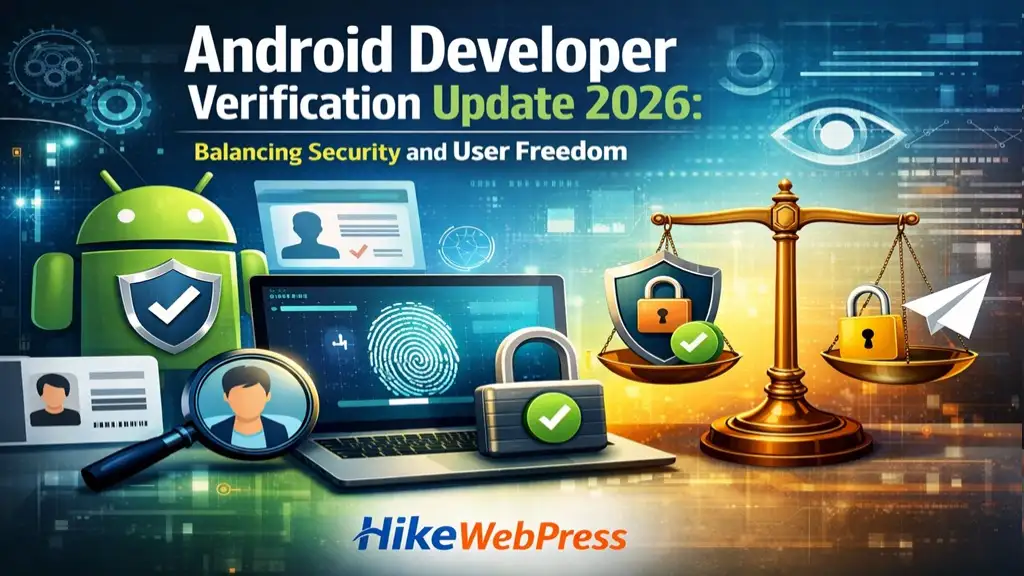
Android Developer Verification Update 2026: Balancing Security and User Freedom
App Development TrendsAndroid developer verification 2026 is one of the most important updates introduced to balance openness and security in the Android ecosystem. While Android has always allowed users to install apps from outside the Play Store, rising scams and malware threats have forced Google to introduce stricter safeguards. The new advanced flow ensures that users can still sideload apps while preventing fraud and coercion. In this guide, you will understand how the system works, why it matters, and how it impacts both users and developers globally.
What is Android Developer Verification and Why It Matters
Android developer verification is a system introduced to ensure that app developers are authentic and trustworthy before distributing applications. With increasing cyber threats, fake apps, and scam-driven installations, verification plays a key role in protecting users.
The Android developer verification 2026 update focuses on balancing security with flexibility. Users still get the freedom to install apps from unknown sources, but with added protection layers. This ensures that both beginners and advanced users can operate safely without compromising their choices.
Learn more about Android security updates:Android Developer Blog – Latest Updates
For bloggers, understanding such updates is crucial. You can also read our guide on traffic recovery: Recover Website Traffic After Google Update
What is the Advanced Flow for Sideloading Apps
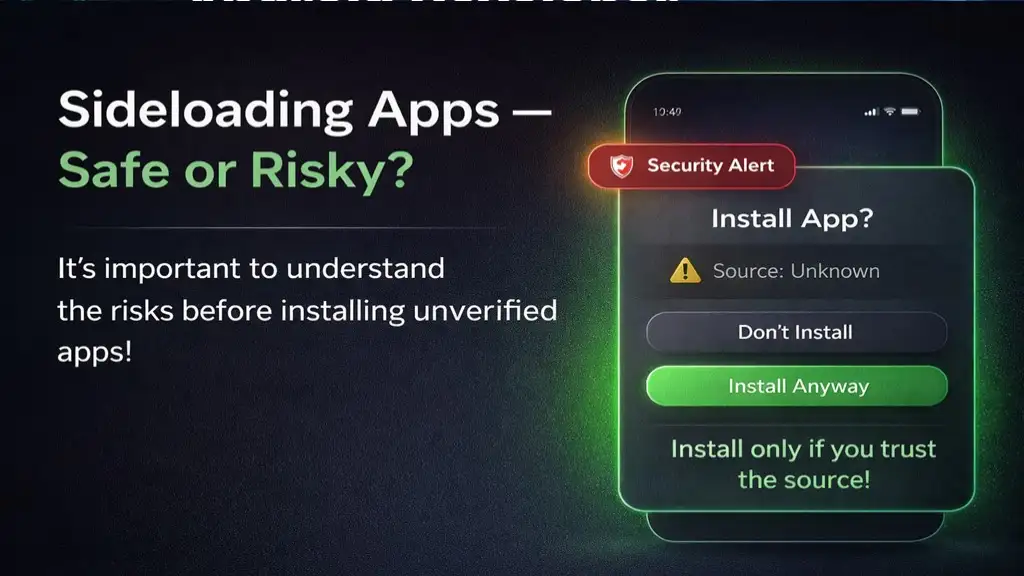
The advanced flow is a new security process introduced by Android to allow safe sideloading. It is designed especially for power users who want flexibility but also need protection from scams.
Unlike earlier methods where users could easily install unknown apps, this system introduces a multi-step verification process. The goal is to prevent accidental installations and stop scammers from forcing users into installing harmful apps.
This feature ensures that sideloading is still possible, but only after the user clearly understands the risks involved.
You can explore more about safe app practices here: Android Help Center – Security & Safety Guide
Step 1: Enabling Developer Mode
The first step requires users to enable developer mode manually. This ensures that sideloading cannot happen accidentally. It acts as a clear signal that the user is intentionally bypassing standard protections. This step is crucial in preventing one-click scams and unauthorized actions.
Step 2: Confirming You Are Not Being Coerced
This step introduces an anti-coercion check where users confirm they are not being guided by someone else. Many scams involve real-time manipulation, where attackers instruct victims step-by-step. By adding this confirmation, Android disrupts the scam process and encourages independent thinking.
Step 3: Restarting the Device and Re-authenticating
Restarting the device ensures that any remote access or ongoing malicious session is terminated. After restarting, users must re-authenticate themselves. This adds another layer of protection and ensures that only the actual device owner can proceed.
Step 4: The One-Day Waiting Period
The one-day waiting period is one of the most powerful features of this system. It removes urgency from the process, which is a common tactic used by scammers. This delay allows users to reconsider their actions and seek advice if needed. Security experts widely recommend such delays as an effective defense against social engineering attacks.
Step 5: Final Identity Verification
After the waiting period, users must verify their identity using biometric authentication or a PIN. This ensures continuity and prevents unauthorized access. It also reinforces that sideloading is a deliberate and controlled action.
Step 6: Installing Apps from Unverified Developers
Once all steps are completed, users can install apps from unverified developers. However, warnings remain visible to ensure transparency. Users can enable this feature temporarily or permanently, depending on their needs. This flexibility makes the system practical without compromising safety.
Benefits of the Advanced Flow System
The advanced flow system offers multiple benefits. It enhances security, prevents scams, and maintains user freedom. It also aligns with modern security practices where user awareness is as important as technical protection. If you are working on monetization strategies, you can also explore our internal guide on How to Monetize a Blog Website Instantly in 2026 to combine traffic growth with safe practices.
New Opportunities for Developers
Android has also introduced limited distribution accounts for developers. This allows students and hobbyists to share apps with a small group without full verification. It lowers the entry barrier while maintaining overall ecosystem security. Developers can still learn, test, and innovate without facing complex requirements.
How This Update Strengthens the Android Ecosystem
This update strengthens the Android ecosystem by improving trust and reducing malicious activity. By combining verification with flexibility, Android ensures that both users and developers benefit. It also sets a new standard for how open platforms can remain secure without restricting innovation.
How This Update Protects Users from Scams
Online scams have become highly sophisticated, often involving psychological manipulation. Attackers create urgency and fear to trick users into installing malicious apps.
The Android developer verification system directly targets these scam tactics. By adding delays, confirmations, and authentication steps, it prevents impulsive decisions.
According to reports, over 50% of users have experienced scams recently. This update aims to reduce such risks significantly.
If you are running a website, protecting users is equally important. Read our SEO safety guide: SEO Friendly Article Writing Guide
Impact on Android Developers and App Distribution
For developers, this update introduces both challenges and opportunities. While verification requirements are stricter, they also build trust among users.
Verified developers will gain more credibility, leading to better app installs and user engagement. On the other hand, unverified developers will face limitations unless users go through the advanced flow.
Google is also introducing limited distribution accounts. These allow small-scale developers to share apps without full verification.
This ensures that innovation and experimentation continue without compromising security.
Limited Distribution Accounts for Beginners
Android is not just for large companies. Students, hobbyists, and independent developers also contribute to the ecosystem.
To support them, Google has introduced limited distribution accounts. These accounts allow app sharing with up to 20 devices without requiring full verification or fees.
This is a great opportunity for beginners to test and distribute apps safely.
Why Sideloading is Still Important in 2026
Despite increasing restrictions, sideloading remains an essential feature of Android. It allows users to install apps not available on the Play Store.
This is especially useful for developers, testers, and advanced users. The new system does not remove sideloading but makes it safer.
Android continues to stand out because it does not completely restrict user freedom like some other platforms.
Best Practices for Safe App Installation
To stay secure while using Android, follow these best practices:
-
Only install apps from trusted sources
-
Always check permissions before installing
-
Avoid clicking unknown links
-
Keep your device updated
-
Use antivirus or security apps
-
Do not follow instructions from unknown callers
These steps will help you avoid most security risks.
Conclusion
Android developer verification 2026 is a major step toward building a safer yet flexible ecosystem. The advanced flow ensures that users can still install apps freely while being protected from scams.
This update reflects Google’s commitment to balancing openness with security. Developers benefit from increased trust, while users gain stronger protection against threats.
If you are a blogger or website owner, understanding such updates helps you create better content and stay ahead in SEO.
FAQs
Q.1 What is Android developer verification?
Answer: It is a system to verify developers before allowing app distribution, ensuring safety and authenticity.
Q.2 What is the advanced flow?
Answer: It is a multi-step process that allows safe sideloading of apps from unverified developers.
Q.3 Can I still install apps from outside Play Store?
Answer: Yes, but you must follow the advanced verification process.
Q.4 What is a limited distribution account?
Answer: It allows developers to share apps with a small group without full verification.
Q.5 Is sideloading safe in 2026?
Answer: Yes, if you follow Android’s new security steps and best practices.



Leave Message