
Free PNG to WebP Converter Online
Convert PNG images to WebP instantly. Fast, free, unlimited, and private!
Batch convert multiple PNG images to WebP without losing quality. Perfect for websites and online projects. No sign-up required.
Upload & Convert Images
Drag & Drop Images or Browse
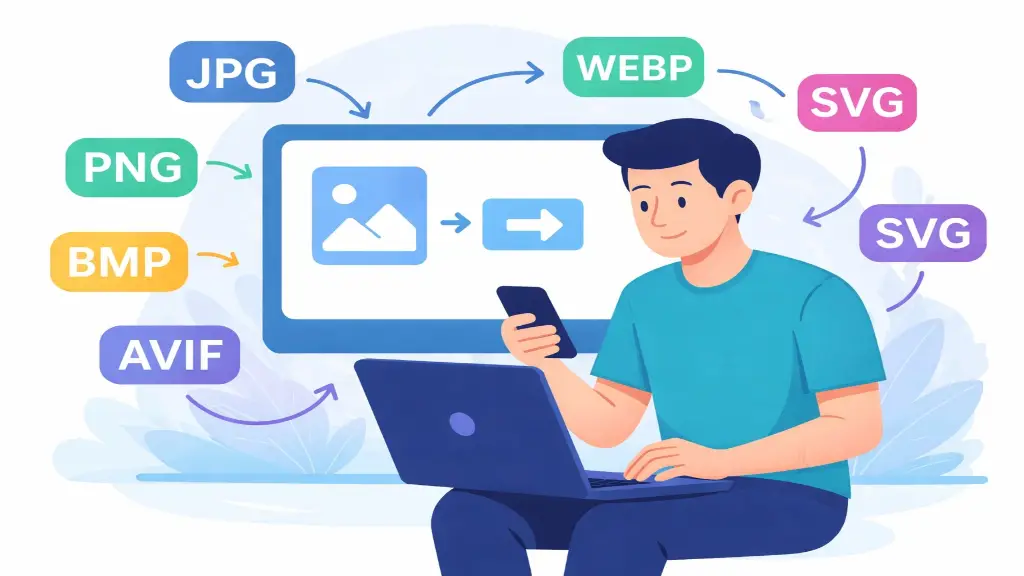
Why Convert PNG to WebP?
Large image files can slow down your website and affect load speed. Our free online image resizer lets you resize JPG, PNG, GIF, and other formats quickly, without compromising quality. Resize images for faster page load times and better user experience.
- Resize images instantly without losing quality
- Support for multiple image formats (JPG, PNG, GIF, etc.)
- Optimize images for faster website performance
- No software installation required—use it directly in your browser
Try our Free Online Image Resizer to easily resize your images in seconds—no uploads or sign-ups required.
Frequently Asked Questions
Is it safe to convert PNG to WebP here?
Yes, all conversions happen directly in your browser—no images are uploaded or stored on any server, ensuring privacy.
Will the quality of my PNG image change when converting to WebP?
WebP often provides equal or better quality than PNG, while significantly reducing file size. You can adjust the quality settings to meet your needs.
Why switch from PNG to WebP on my website?
WebP images load faster, have smaller file sizes, and boost both website performance and SEO, making them ideal for modern web design. PNG to WebP conversion is a great way to reduce page load times without losing quality.
Want more details about WebP? Visit our FAQs page →
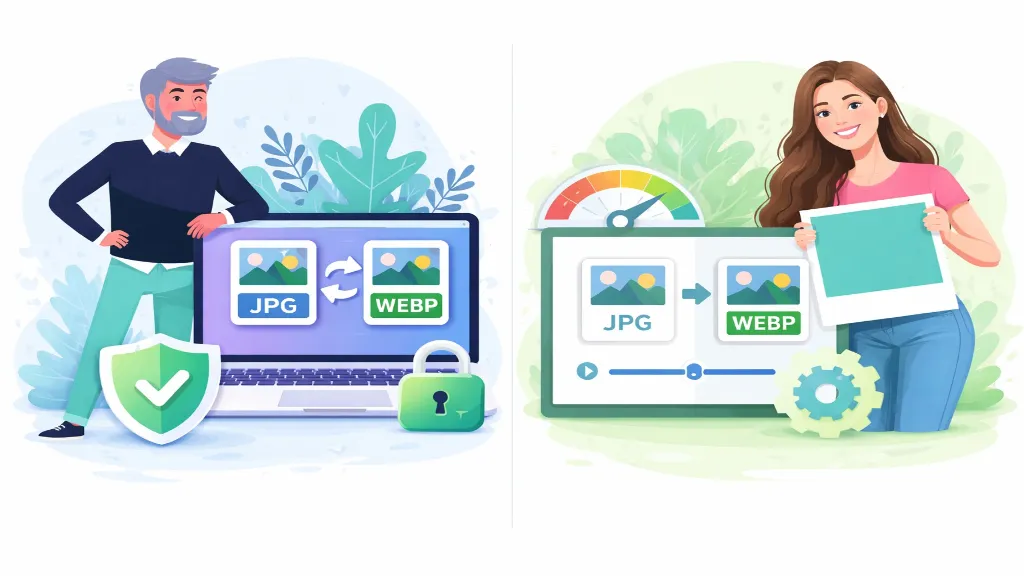
How to Convert PNG to WebP Online
-
Step 1
Load Your PNG Files
Click the "Add Files" button or simply drag and drop your PNG images onto the page. No software installation is required.
-
Step 2
Configure Output Settings
Easily adjust WebP quality (1–100) and image dimensions, or proceed with our recommended default settings for optimal results.
-
Step 3
Initiate Conversion & Download
Your PNG images are converted to WebP directly in your browser. Once complete, download your optimized WebP files individually or as a convenient ZIP archive.
Key Features of Our JPG to WebP Converter
Fast JPG to WebP Conversion
Convert your JPG images to WebP rapidly within your browser. Achieve faster load times for your website with efficient client-side processing.
Improve Site Speed & SEO
Reduce large JPG file sizes by converting to WebP. Smaller images mean faster page loading, lower bounce rates, and improved search engine rankings.
Secure Client-Side Conversion
Your JPG files are converted to WebP securely within your browser. No images are uploaded to our servers, ensuring your privacy and GDPR compliance.
Broad Device & Browser Support
Our JPG to WebP converter works across all major operating systems and devices, including Windows, Mac, Linux, iOS, and Android, and is compatible with leading browsers.
Control Quality & Size
Customize the WebP output quality (1–100) and dimensions for your JPGs. Optimize image size for the web while maintaining aspect ratios during batch conversion.
Dedicated Support
Need assistance with your JPG to WebP conversion? Contact our experts for prompt technical support.

Post Your Comment