
How to Setup Google AdSense and AdX on WordPress in 2026
App Development Trends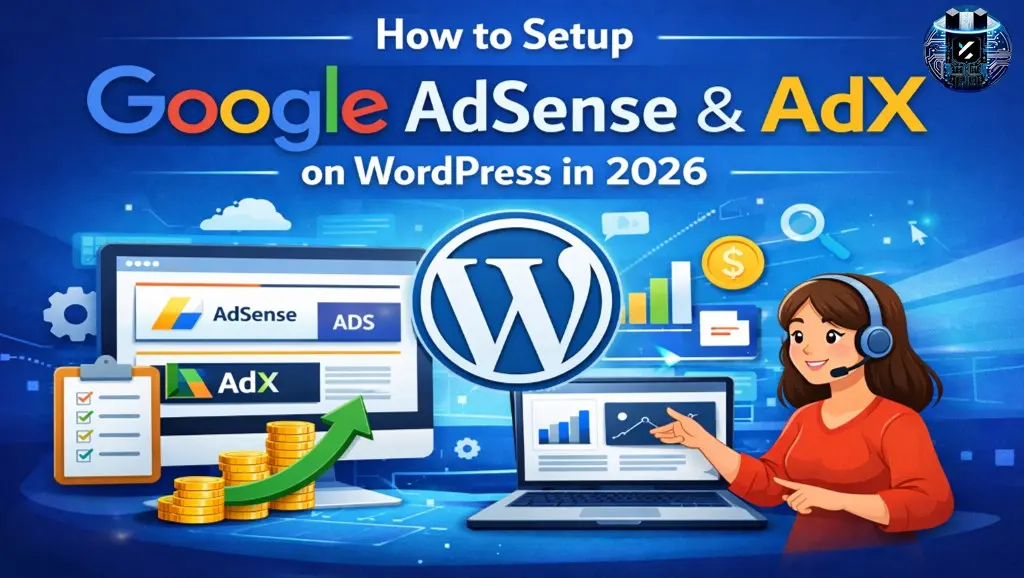
In 2026, setting up Google AdSense and Google AdX (Ad Exchange) on a WordPress website is no longer just about placing ad code. Google now treats every website like a real digital business, not just a blog. This means your site is evaluated on content depth, user intent fulfillment, technical health, page accessibility, and trust signals before monetization is approved.
Many bloggers mistakenly believe that “once traffic comes, AdSense approval will automatically happen.” In reality, traffic alone is not enough. If you want high CPC ads, stable AdSense approval, and long-term growth toward premium monetization like AdX, you must build the right foundation from day one.
In this guide, we will cover step by step:
-
How to set up AdSense on WordPress in 2026
-
What Google AdX is and how you realistically get access to it
-
Common mistakes that cause repeated rejections
-
Best practices for Google Discover visibility and high RPM
What Are Google AdSense and Google AdX? (2026 Update)
Whenever a new blogger thinks about monetization, the first platform that comes to mind is Google AdSense. However, as a website grows, the discussion slowly shifts toward Google AdX. Understanding the difference between the two is critical, because unrealistic expectations are one of the biggest causes of frustration in blogging.
Google AdSense
Google AdSense is a safe, stable, and beginner-friendly monetization platform designed to help small and medium-sized websites earn revenue from Google advertisers.
The main advantages of AdSense are:
-
Approval is possible even with low to medium traffic
-
Technical setup is simple and beginner-friendly
-
Ads are automatically optimized based on user interest
However, in 2026, simply publishing content is not enough to get AdSense approved. You must clearly prove that your website is built for real users, not just for displaying ads.
For Google’s own support documentation: Google AdSense
Google AdX (Ad Exchange)
Google AdX is a premium advertising marketplace where only high-quality and trusted publishers are allowed. Advertisers compete through real-time bidding, which directly benefits publishers through higher RPM and better ad fill rates.
With AdX, Google ensures that:
-
The website has consistent organic traffic
-
User engagement is strong (time on site, page views)
-
There is no history of policy violations
Important: There is no shortcut to direct AdX approval. The real path is AdSense first, then trust, then traffic — and only after that AdX becomes possible.
Official Google Ad Manager & Ad Exchange resources: Google AdX explained
How to Prepare a WordPress Website for AdSense & AdX
When Google reviews your website, it does not look only at the homepage or a few articles. Google’s bots analyze your entire website structure, behavior, and accessibility. That is why preparing your WordPress site properly before applying for AdSense or AdX is absolutely essential.
Skipping this stage almost always leads to rejection.
Start with this checklist: WordPress AdSense readiness checklist
1. Essential Pages (Must Have)
Essential pages act as trust signals for Google. They clearly show that a real person or team is behind the website and that the site is not created for misleading or low-quality purposes.
If your website does not have the following pages:
-
About Us
-
Privacy Policy
-
Contact Us
-
Disclaimer
Google may consider your site incomplete or untrustworthy. A large number of AdSense rejections happen for this single reason alone.
Google Publisher Policies (external reference):
Tip: Do not write generic text. Share your story, mission, and the purpose of your content — this also helps with Google Discover trust signals.
2. High-Quality Content Strategy (2026)
In 2026, Google’s algorithms are advanced enough to easily detect thin content, AI spam, and copied articles. Keyword stuffing or generic explanations no longer work.
High-quality content means:
-
Deep explanation of a clear topic
-
Complete answers to user questions
-
Practical examples, steps, and clarity
When you publish 1500–2500+ word problem-solving articles, users naturally spend more time on your site. This sends strong signals to Google, improving both AdSense approval chances and Discover visibility.
Google Search Central Blog (external): Google Search Central
3. Disable Password-Protected Pages
This is a silent but critical mistake that many website owners ignore. If your WordPress site contains login pages, dashboards, or checkout pages that Google bots cannot access, Google may assume the website is incomplete.
Google’s logic is simple:
“If we cannot crawl the entire site, how can we safely show ads?”
During AdSense review, make sure to:
-
Temporarily disable restricted pages
-
Check robots.txt and noindex tags
-
Ensure Google bots can access all important URLs
Google AdSense Setup on WordPress (2026)
Step 1: Create an AdSense Account
Visit the official Google AdSense site and:
-
Submit your website URL
-
Enter correct address and payment details
Step-by-step AdSense account setup: AdSense account setup
Incorrect or incomplete information can delay or block approval.
Step 2: Website Verification
For WordPress users in 2026, Site Kit by Google is the best option because it:
-
Reduces manual errors
-
Connects multiple Google tools in one place
-
Is beginner-friendly
Step 3: Auto Ads or Manual Ads?
If you are a beginner, start with Auto Ads. This allows Google to place ads based on user experience and layout performance.
As you gain experience, you can switch to manual placements for better control and higher RPM.
How to Enable AdX (After AdSense Approval)
AdX is a destination, not a starting point. When your website consistently:
-
Generates organic traffic
-
Keeps users engaged
-
Maintains a clean policy history
you become eligible for AdX through certified partners or managed networks.
How to Make Your Website Google Discover Friendly
Google Discover traffic does not come from luck — it comes from trust and content quality. When Google believes your content aligns with user interests, it pushes it into Discover feeds.
Long-form, story-driven, and genuinely helpful articles perform best on Discover. Traffic from Discover is highly engaged, which directly boosts AdSense and AdX RPM.
Common Mistakes That Cause AdSense / AdX Rejection
AdSense rejection does not mean your website is bad. Most rejections happen due to avoidable mistakes, such as:
-
Short or shallow content
-
Too many unrelated niches
-
Missing trust pages
-
Aggressive UX elements (popups, redirects)
Fix these issues before reapplying for higher success.
FAQ – Setup AdX & AdSense WordPress Website 2026
Q1: Can a new WordPress website get AdSense approval in 2026?
Answer: Yes, a new site can get approved if it has high‑quality content, proper trust pages, and no policy issues. Follow this guide to prepare before applying.
Q2: Does traffic matter for AdSense approval?
Answer: Traffic helps, but Google prioritizes quality, trust, and accessibility over sheer numbers.
Q3: Can login pages or password‑protected pages block AdSense approval?
Answer: Yes. If Google bots cannot crawl key pages, approval may be rejected. Disable restrictions before review.
Q4: How long does AdSense approval take?
Answer: Typically 2–7 days, but sometimes up to 14 days depending on review complexity.
Q5: When should I apply for Google AdX?
Answer: Only after your site has stable organic traffic, high engagement metrics, and a clean AdSense history.




Leave Message